System monitoring app for mobile
CPU-Z is a free utility application for mobile devices from developer CPUID. It's a diagnostic tool that provides essential system information for a variety of smart devices. With it, users will be able to determine and know more about their CPU, RAM, and other hardware components comprising their smartphones and tablets.
Top Recommended Alternative

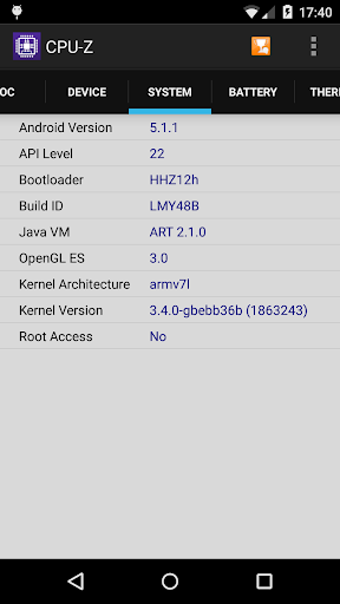
Just like Inware or Device Info HW, CPU-Z serves up extensive information for just about any hardware specification that users are looking for. It also provides additional details regarding other impertinent things like what operating system it runs on, who manufactured the devices, and others.
Know your device
The PC space enjoys an abundance of hardware choices that comprise computers with all combinations of parts. If you're the curious type and want to understand what makes your machine tick, there are plenty of system diagnostic tools that can help, and CPU-Z is one of the more popular ones. With its official mobile app, you can now do the same with your smartphone or tablet.
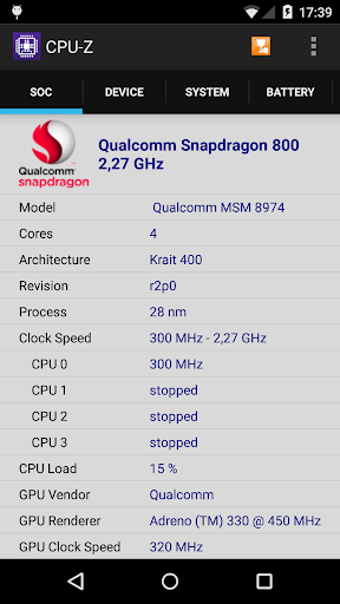
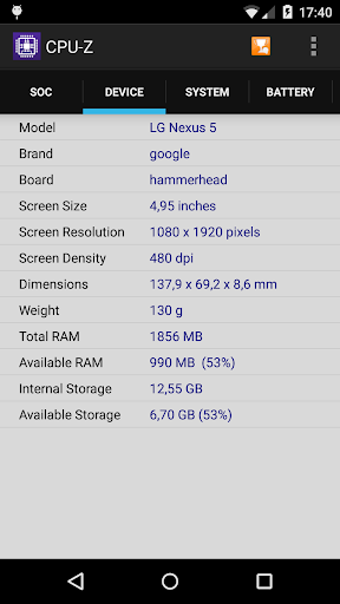
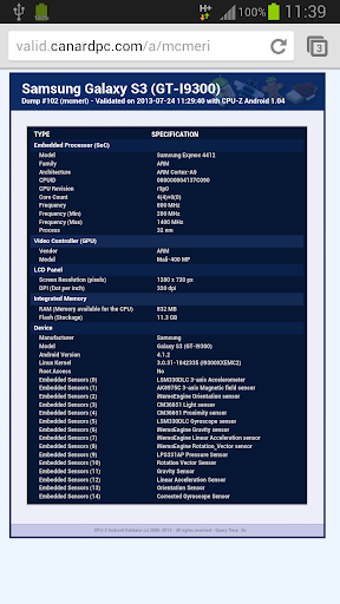
The mobile version of this program pretty much has the same capabilities as its PC counterpart. That means you will be able to check the specific model for the CPU and GPU combo, complete with clock speeds and max frequencies. On the memory side of things, you'll know how much RAM you have for your apps and the available storage space for your pics, video, and data.
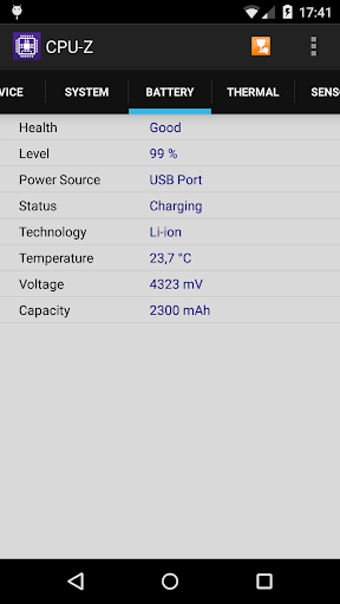
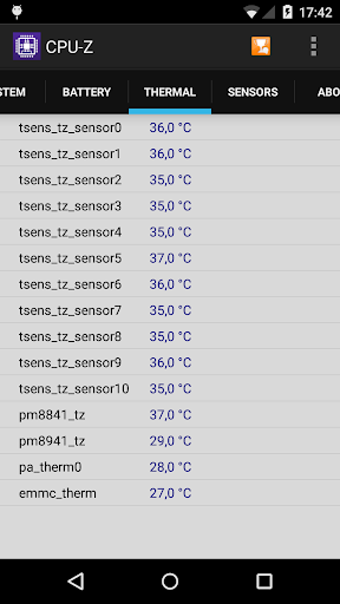
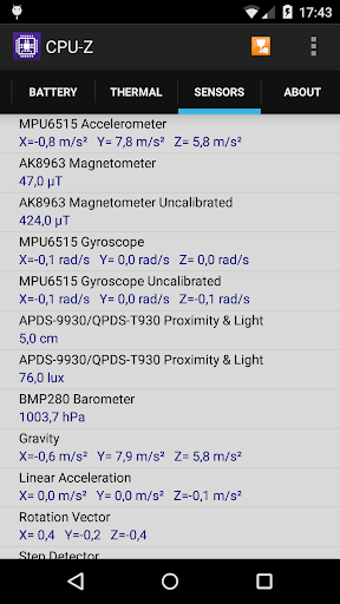
Other important information includes hardware temperature readings and onboard sensors that constantly track the condition of your device. There's even a dedicated battery section, detailing its discharge rate and overall health. Just be aware that the app is outdated and has not been updated in some time. You can still use it as is, but its performance will vary on components, especially more recent mobile processors and parts.
Was one of the best
CPU-Z has been around for a while and is one of the OG system diagnostic tools for PC enthusiasts. While that notion remains true today, the same can't be said for its mobile iteration. The lack of updates limits its utility to some degree given the rapid pace at which mobile processors are coming out nowadays. Hopefully, it receives renewed focus and attention soon.